Add Bluetooth to a car that already has AUX.
Drive B61 is built for the simple case: your car stereo still sounds fine, has a 3.5 mm AUX input, and you want easier phone music plus reachable controls.
Does my car need an AUX input?
Yes. Drive B61 needs a 3.5 mm AUX input for audio and a suitable USB power source. A USB port alone does not make your car compatible.
See Drive B61 connections →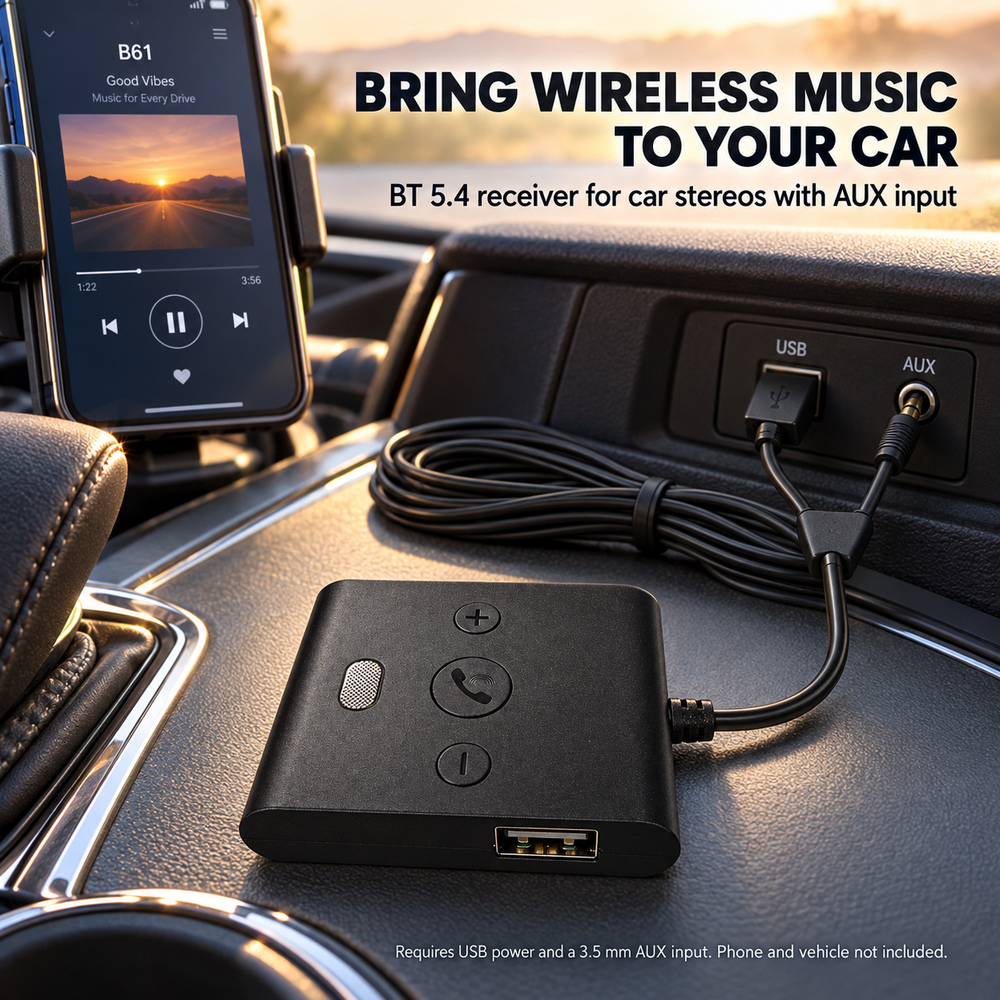
USB for power. AUX for audio.
Both connections matter. The current product materials describe USB 5V/1A power and a 3.5 mm AUX audio connection.
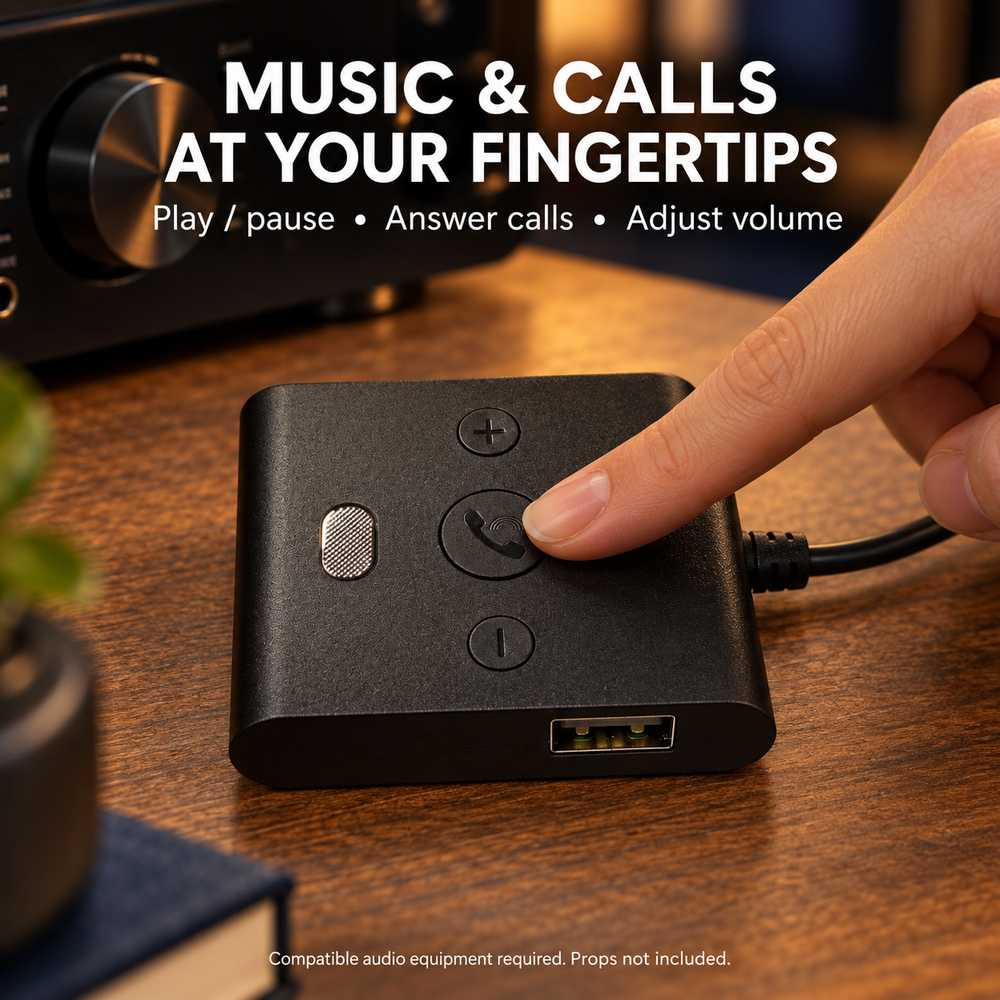
Put playback controls where they make sense.
The controller provides physical controls described for play/pause, calls and volume, with two mounting pads shown in the current package materials.
Drive B61 is a fit when…
If the vehicle has no AUX input, this launch product is not the right path.
The USB lead powers the receiver; the AUX lead carries audio.
This is an AUX receiver workflow, not a CarPlay screen or FM transmitter replacement.
How to add Bluetooth to an older car with AUX
Connect Drive B61 to USB power and plug its 3.5 mm audio lead into the car's AUX input. Select AUX on the car stereo, pair the phone to the receiver, and start playback. Mount the controller only on a clean, dry surface that does not interfere with vehicle controls or safe driving.
Does a USB port alone make the car compatible?
No. For this product's intended setup, USB is the power source and the 3.5 mm AUX connection carries audio. A car that has USB but no suitable AUX input needs a different audio solution.
Can it handle calls?
The current product materials describe hands-free call support and show a built-in microphone. Call quality and reconnection behavior remain part of the pre-launch hardware verification checklist.
Have AUX and USB power?
Then Drive B61 is the launch product designed around that setup.