USB Bluetooth dongle or B35 receiver for an old stereo?
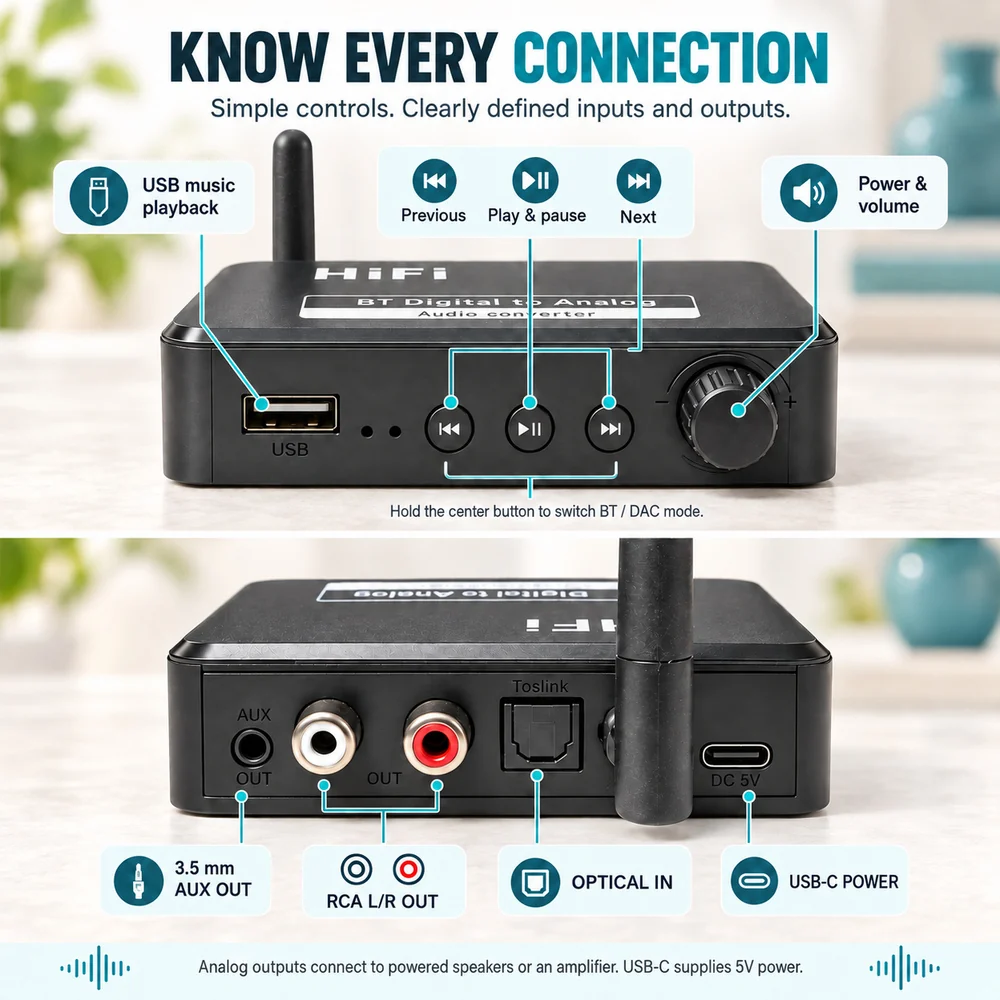
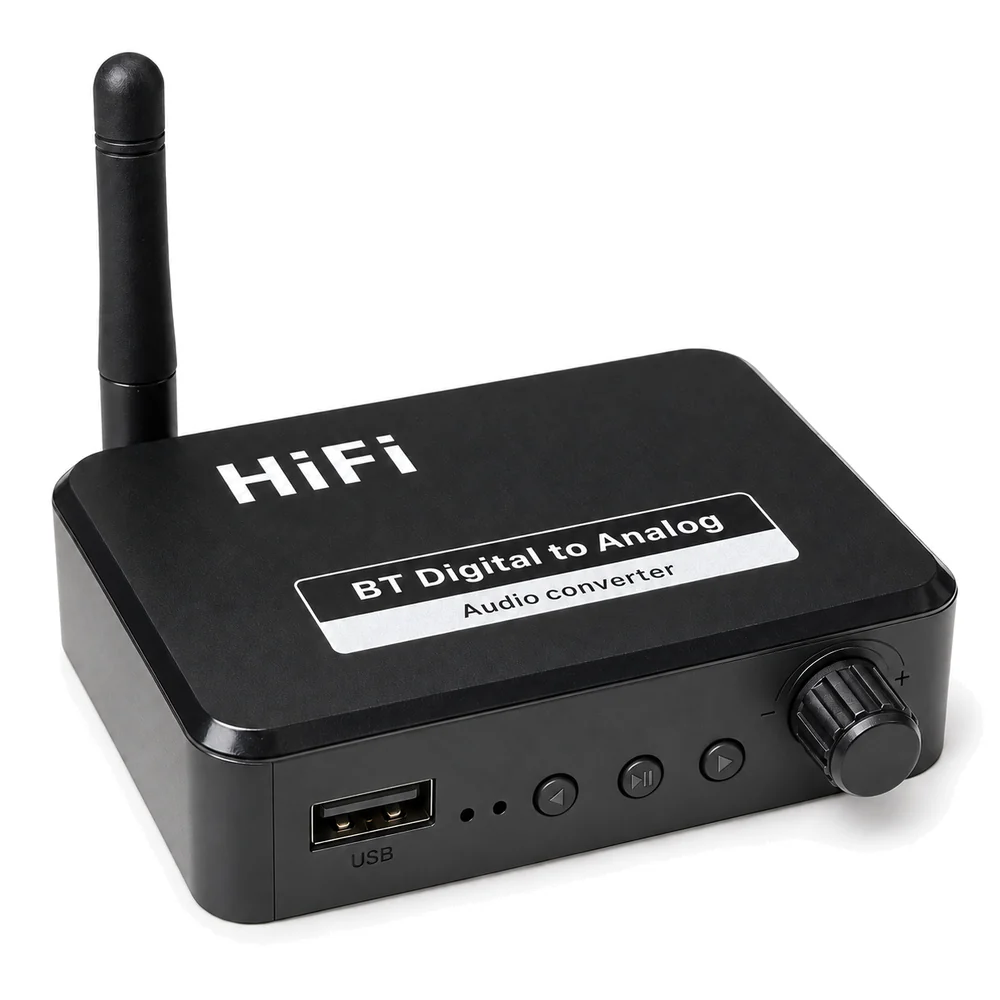
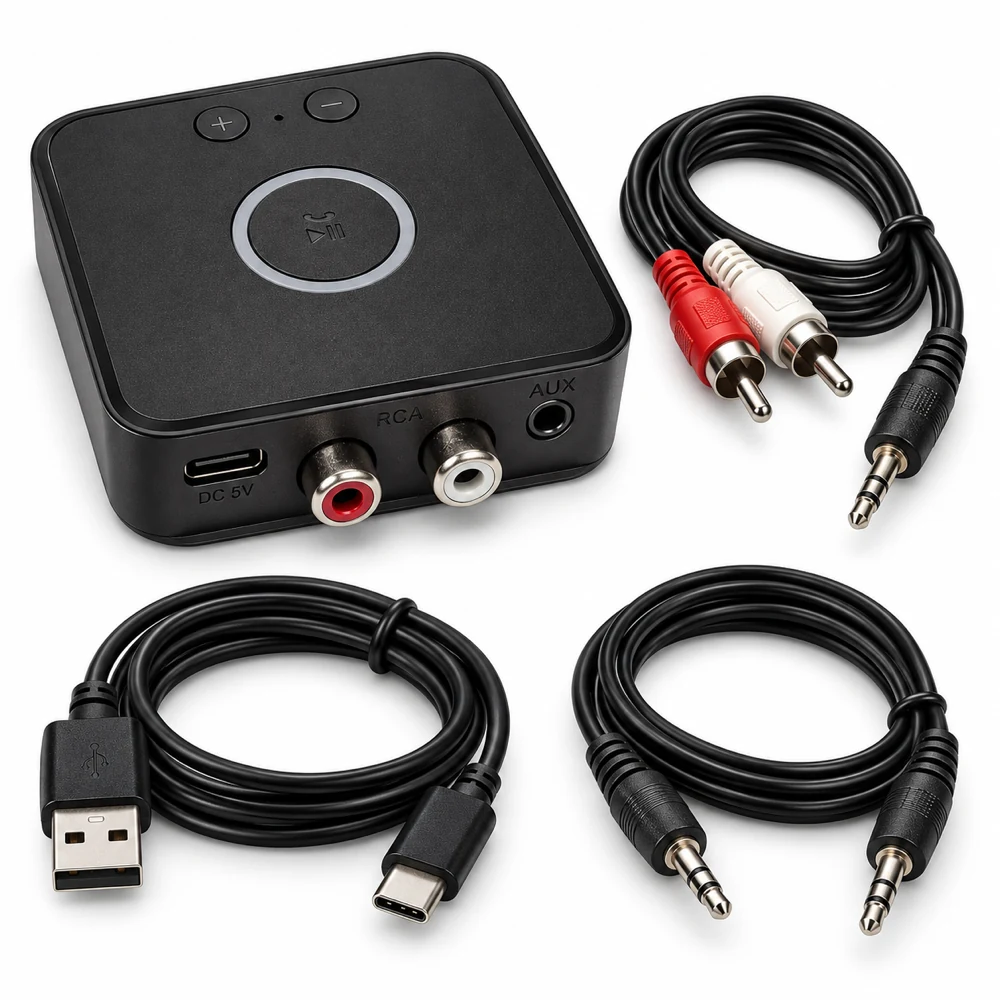
A stereo's USB socket does not establish support for a computer Bluetooth dongle. Compare that setup with B35's AUX/RCA audio output and separate USB-C power.
Start with the equipment you have. Find the right connection, check the setup and know what to expect before choosing an adapter.
AUX, RCA and the amplifier you already own.
A stereo's USB socket does not establish support for a computer Bluetooth dongle. Compare that setup with B35's AUX/RCA audio output and separate USB-C power.
Other Windows sounds reach your B35 or B66 stereo, but one app is silent? Check the app's Volume mixer level and output before changing the receiver setup.
Spotify shows a playing song but your stereo is silent? Check the app's playback device, the phone's Bluetooth output and the B35 or B66 RX connection.
Check phone notifications, iPhone Focus and Android media settings when alerts interrupt music through B35 or B66 RX. Separate paused playback from a lost connection.
Check macOS Sound Output, app volume and AUX/RCA wiring when a connected B35 or B66 RX receiver stays silent. USB-C provides 5V power.
Compare downloaded audio, phone placement and the wired connection when B35 or B66 RX playback breaks up. Change one condition at a time before replacing equipment.
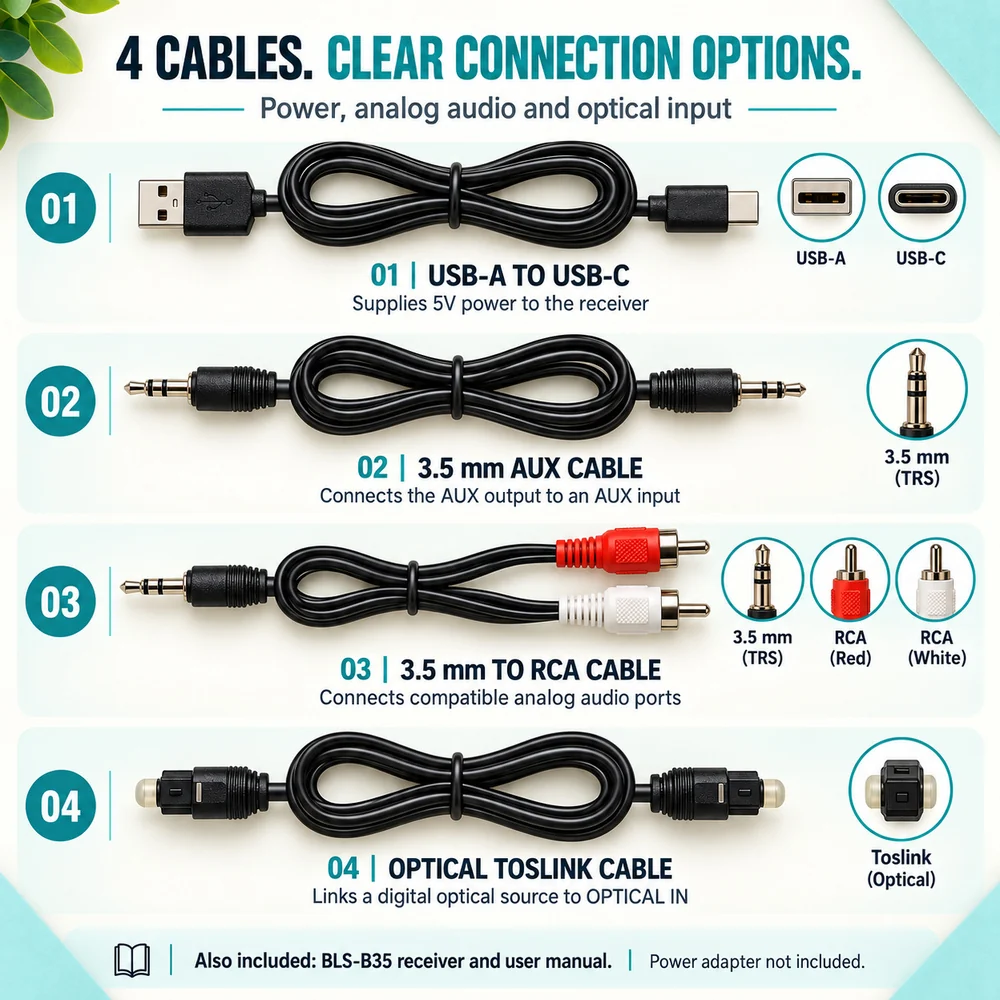
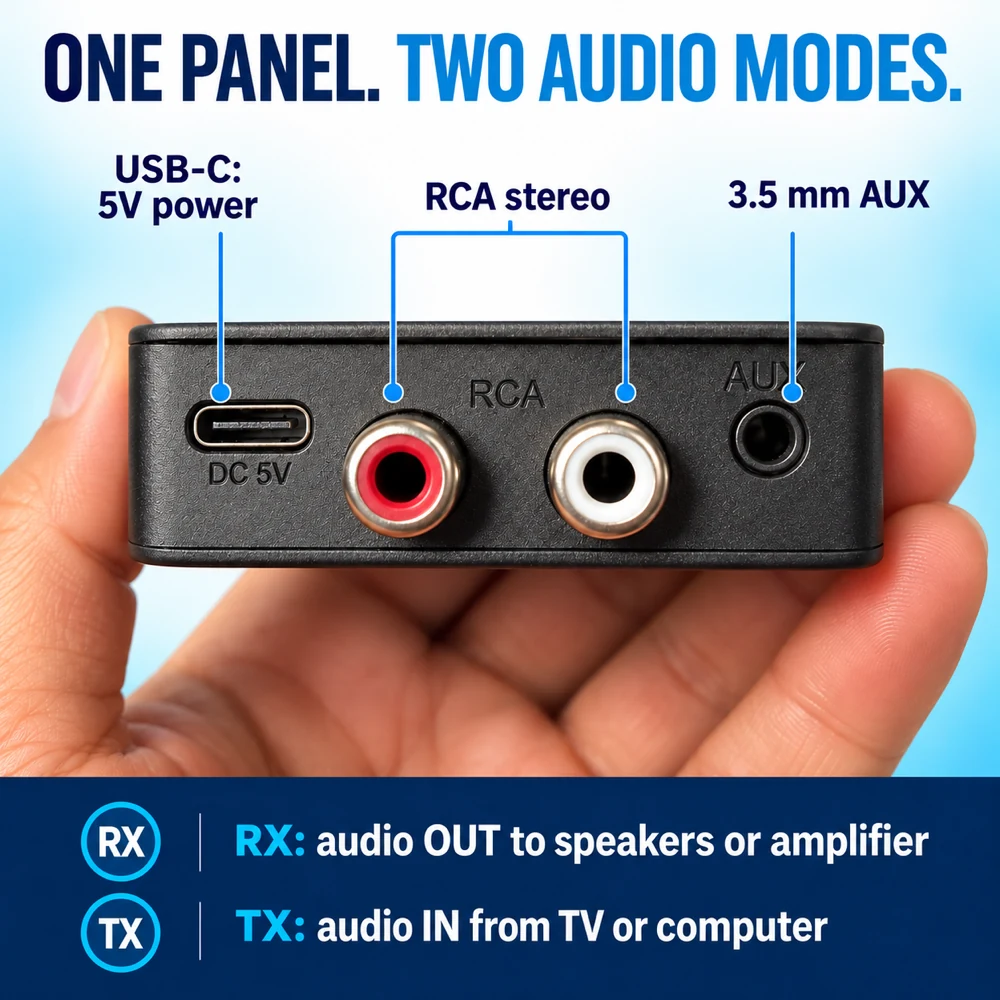
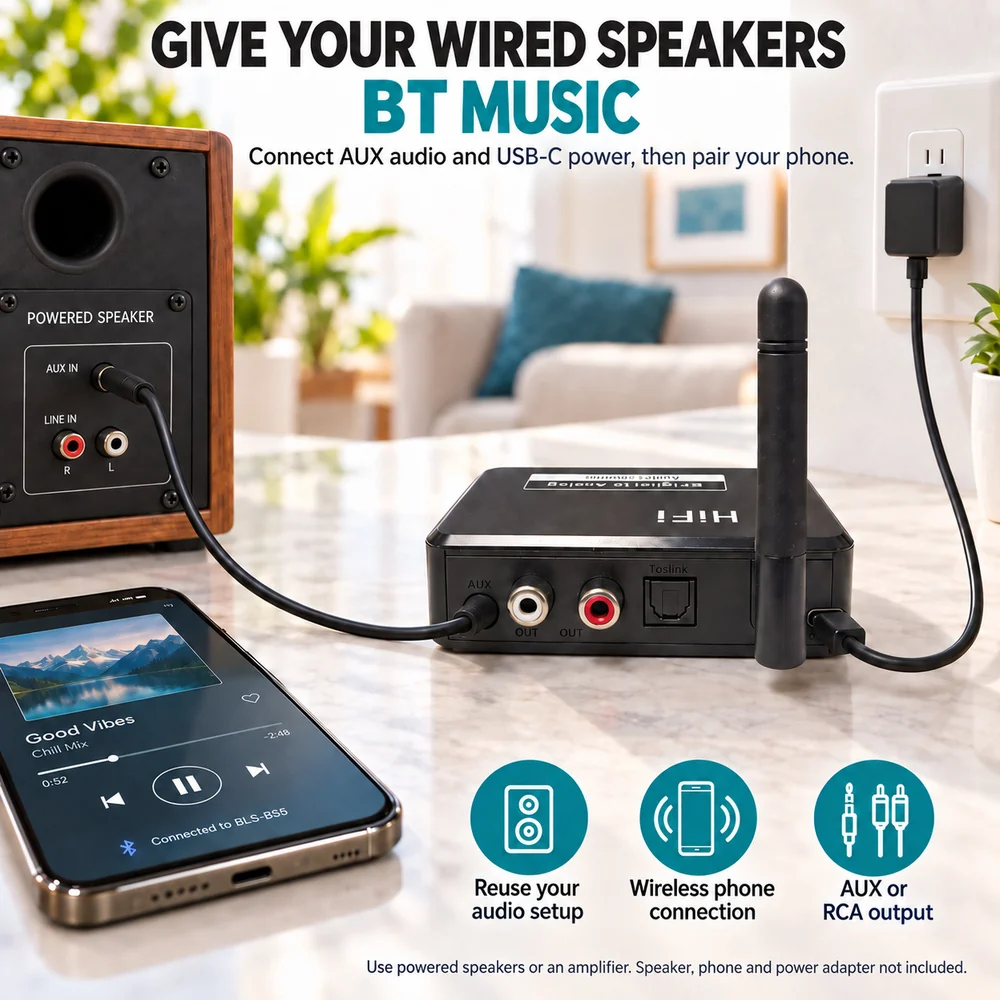
Match Home B35’s analog output to your stereo input: 3.5 mm AUX, a left/right RCA pair, or the 3.5 mm-to-RCA lead shown in the package materials.
Hand music from one phone to another on a home stereo. Check the active Bluetooth connection, keep the AUX/RCA wiring in place, and know when to pair again.
Home B35 sends phone music to an analog input. Check whether your speakers need an amplifier before choosing a Bluetooth receiver or a cable adapter.
Home B35 needs a compatible analog input on your powered soundbar. Check AUX, optical direction and source selection before buying a Bluetooth receiver.
Trace a missing left or right channel through the cable, stereo input and source. A practical checklist for Home B35 and B66 in RX mode.
Check the phono preamp and analog output before adding B66 in TX mode. A practical connection plan for listening to records through Bluetooth headphones.
Both models can receive phone music for an AUX/RCA stereo. Compare B35's described input options with B66's separate transmitter mode before choosing.
Find the right analog input for a B35 or B66 Bluetooth receiver. Learn why PHONO, REC OUT and digital RCA sockets are different connections.
Check AUX or RCA inputs, amplification and power before choosing a Bluetooth receiver for an older stereo.
USB power, AUX inputs and controls within reach.
Music plays through B61 or B71, but the car's track buttons do nothing? Check the AUX control limits and learn which controls belong to the receiver.
B61 or B71 worked before parking but stays silent on the next start? Check USB power, the saved Bluetooth connection, AUX selection and paused playback.
Hear music through car AUX but miss Google Maps directions? Check voice settings, Bluetooth routing and the stereo source with B61 or B71.
Music reaches your car AUX speakers, but a call stays on the Android phone. Check Phone audio, other Bluetooth connections and the call route before changing cables.
Music reaches your car speakers but sounds quieter on AUX. Check phone and receiver volume, then the stereo’s AUX input level, with B61 or B71.
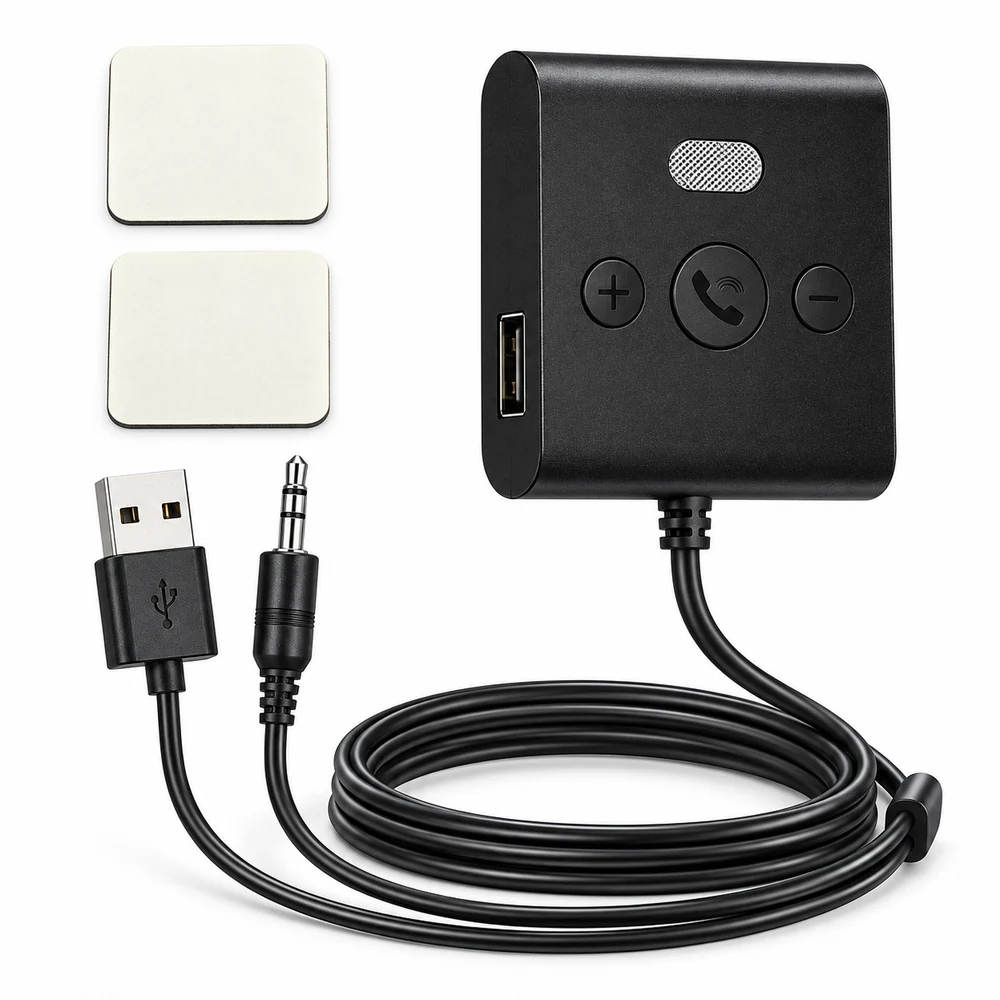
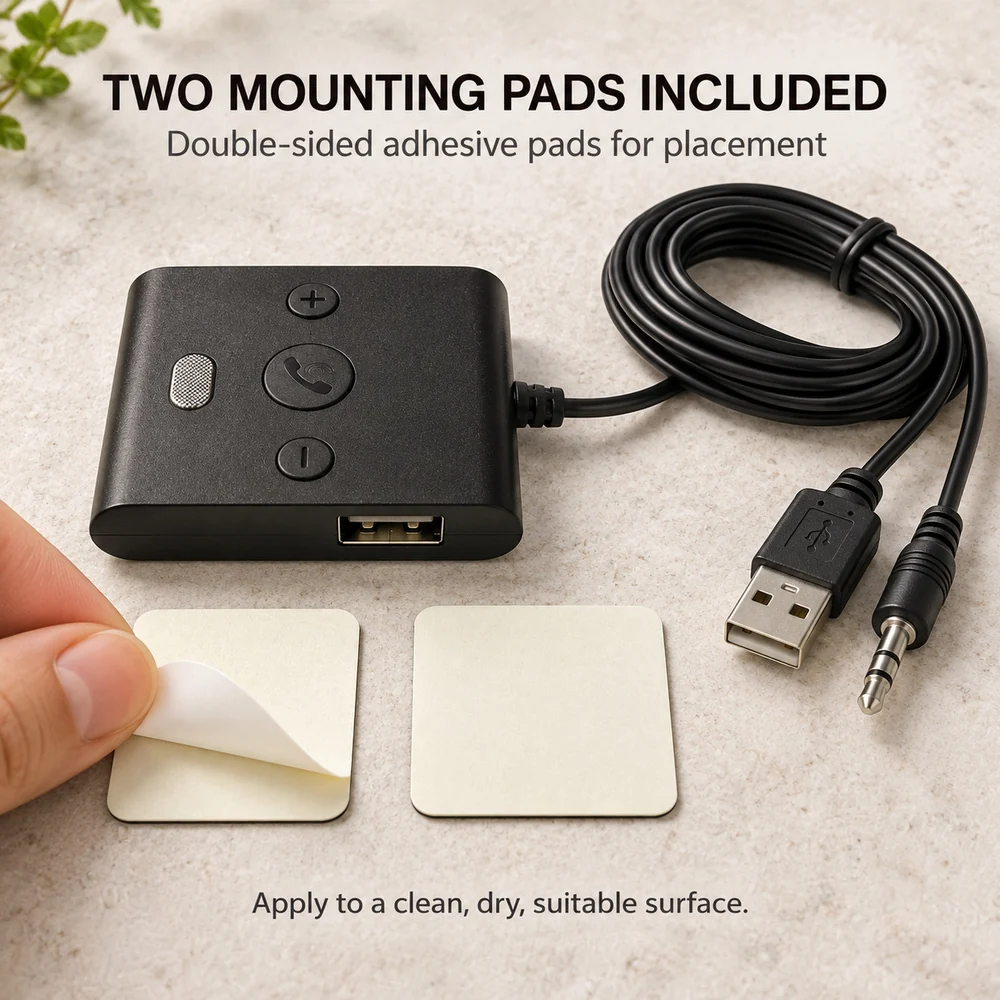
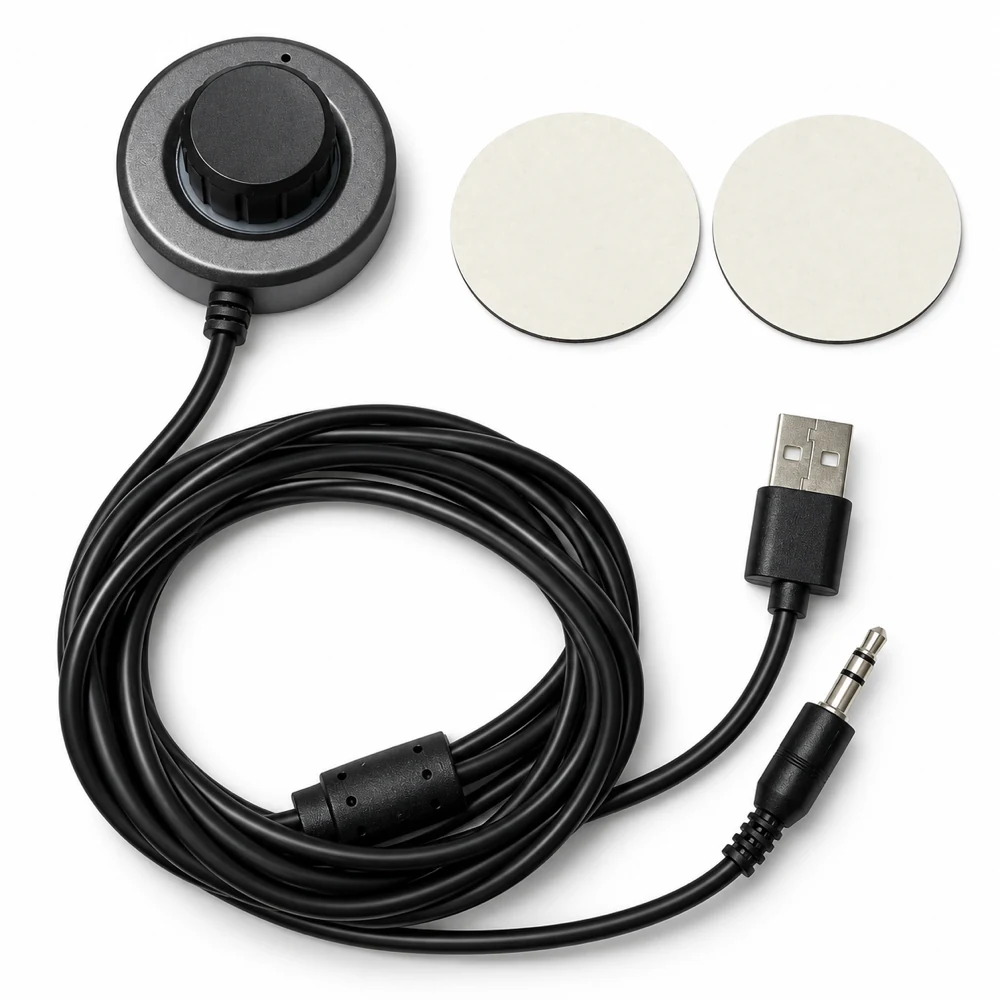
Check B61 and B71 cable lengths, USB and AUX socket positions, and room for the controls before fixing a Bluetooth receiver to your car console.
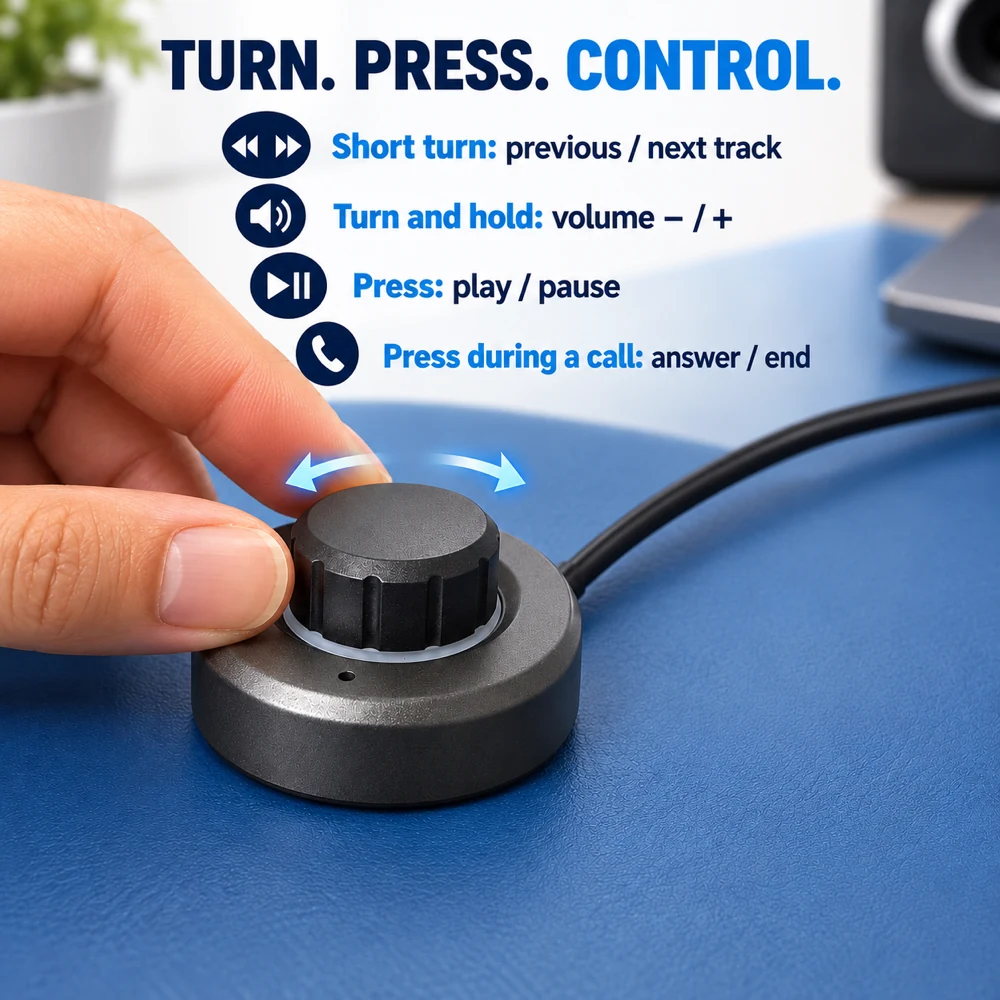
A short turn changes tracks on Drive B71; turning and holding adjusts volume. Learn the control while parked, then check playback and AUX if it stays quiet.
Music plays, but a buzz remains. Work through the AUX plug, listening level and USB power source when checking a B61 or B71 car receiver.
Check the stereo source, phone audio output, volume and AUX connection when a B61 or B71 receiver connects but your car speakers stay silent.
Both AUDORIVO car receivers need AUX and USB power. Compare B61 and B71 by control layout, mounting space and price before choosing.
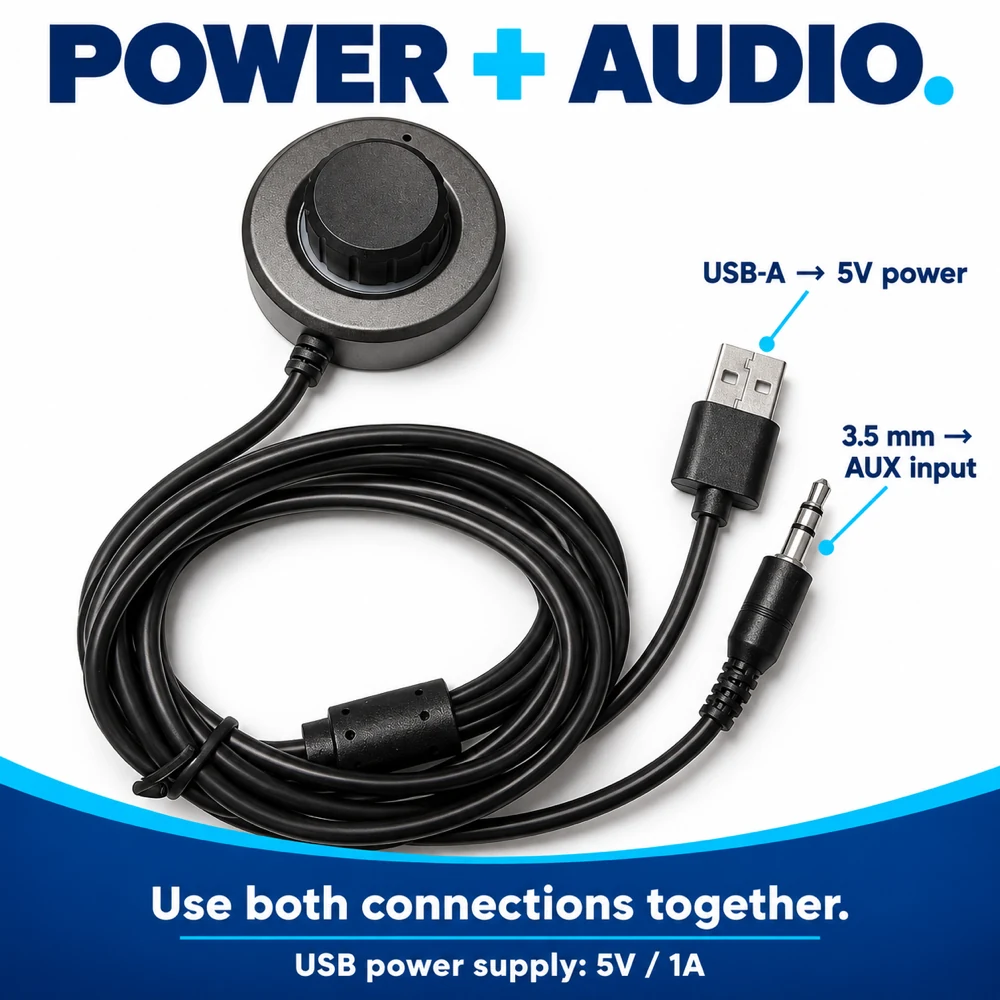
B61 and B71 use USB for power and AUX for audio. Check both connections before adding phone music to an older car.
Audio outputs, transmitter mode and shared listening.
B66 has no optical input. Check an external DAC's conversion direction, stereo PCM support and analog output before planning a TV-to-headphones connection.
Check whether TV dialogue is early or late, compare a wired output, and review sync settings for the analog connection feeding B66. No latency guarantee.
Check your amplifier's REC OUT direction, source routing and volume behavior before connecting B66 in TX mode to Bluetooth headphones.
Check analog RCA or headphone outputs, volume control and existing stereo wiring before connecting a CD player to Bluetooth headphones with B66.
Sound reaches your Bluetooth headphones, but the TV remote does not change its level. Check fixed, variable and headphone output settings in a B66 setup.
Connect a PC’s suitable analog audio output to B66 in TX mode, then pair Bluetooth headphones. Check Windows output selection and keep USB power separate.
Trace the sound from your HDMI source to the projector’s analog Audio Out, then to B66 in TX mode. Check the output before buying a Bluetooth transmitter.
Check B66 TX mode, headphone pairing mode and any existing phone connection before troubleshooting the wired audio source.
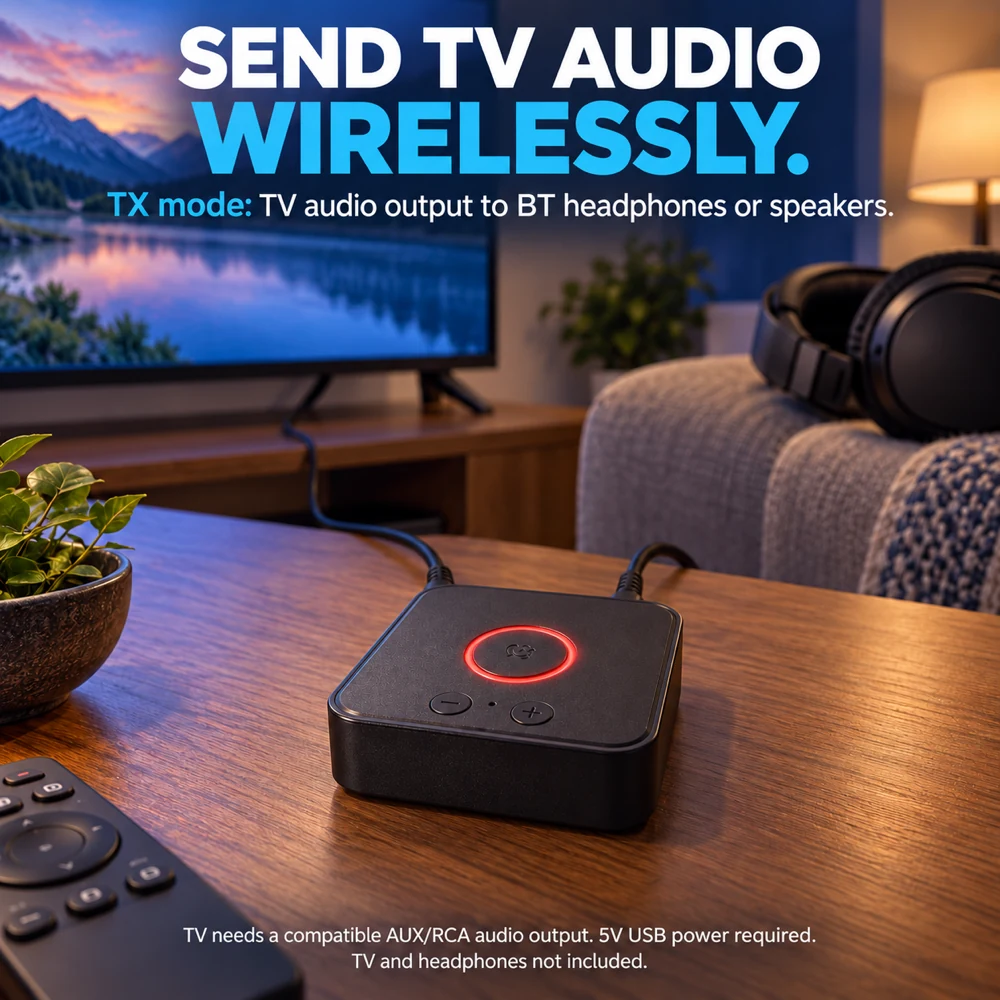
Before using B66 for shared TV listening, check whether your TV keeps its speakers and analog audio output active together. Here is what to verify.
When B66 transmitter mode fits a TV with analog audio output, and why optical or HDMI-only TVs need a different connection plan.